How to Check Who Your Email Service Provider (ESP) Is
Learn how to identify your Email Service Provider (ESP) using MXToolbox so you can set the right daily sending limits and improve email deliverability.
Your daily email sending limit depends on the Email Service Provider (ESP) connected to your domain. That’s why identifying your ESP is an important first step before setting sending limits or starting email warm-up.
Luckily, it only takes a few seconds.
Why knowing your ESP matters
Different ESPs (like Google, Microsoft, Zoho, etc.) have different:
Daily sending limits
Deliverability rules
Spam filtering behavior
Knowing your ESP helps you:
Set safe daily sending limits
Warm up your inbox correctly
Avoid deliverability issues
Steps to identify your Email Service Provider (ESP)
Step 1: Visit MXToolbox
Go to mxtoolbox.com
Step 2: Enter your domain
Type your domain name (for example: yourcompany.com) into the search bar.
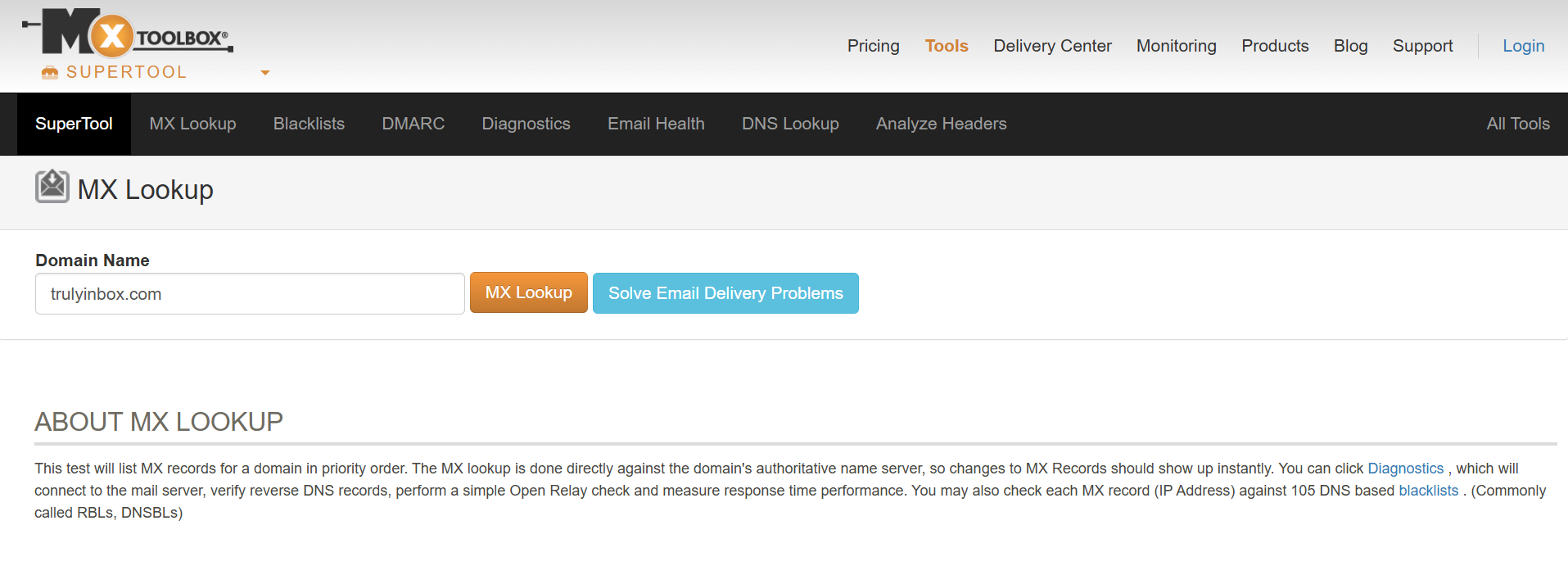
Step 3: Run MX Lookup
Click “MX Lookup” or press Enter.
Step 4: Check the results
You’ll instantly see your domain’s MX records. These records tell you which provider is handling your email.
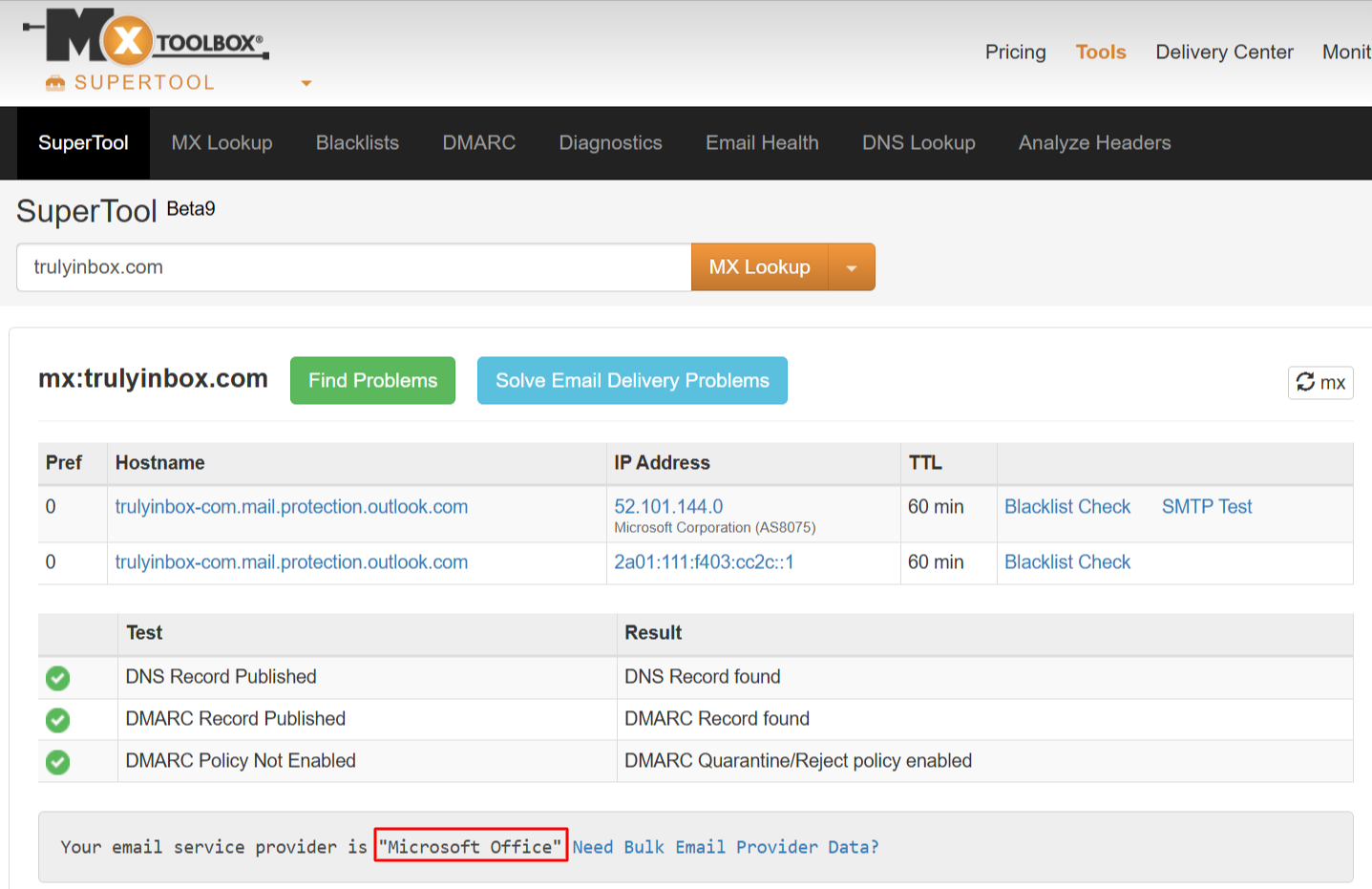
Example
If the MX records show Microsoft Office, it means your emails are managed by Microsoft (Outlook, Microsoft 365).
Based on this, you should follow Microsoft’s recommended sending limits when configuring your email warm-up or outreach.
What to do after identifying your ESP
Once you know your ESP:
Set daily sending limits according to that provider
Configure warm-up properly
Avoid sending more emails than your ESP allows
This simple check helps protect your sender reputation and improves inbox placement.
Also check
Which ESPs Does TrulyInbox Support?
Understanding Which Connection Method to Use And When
Account Age, Sending Limits, and ESP Restrictions
Technical Checklist Before Starting Email Warm-up